

Use cases
Nine jobs. One identity lock.
The character you describe is the through-line. Product UGC, paid ads, brand films, long-form, affiliate videos, captions, a brand card, and a posting schedule all reuse that same reference set.
AI influencerProduct UGCPaid adsBrand filmsLong-formAffiliate product videosScheduled automationsCaptionsBrand card
Reference lock · reused
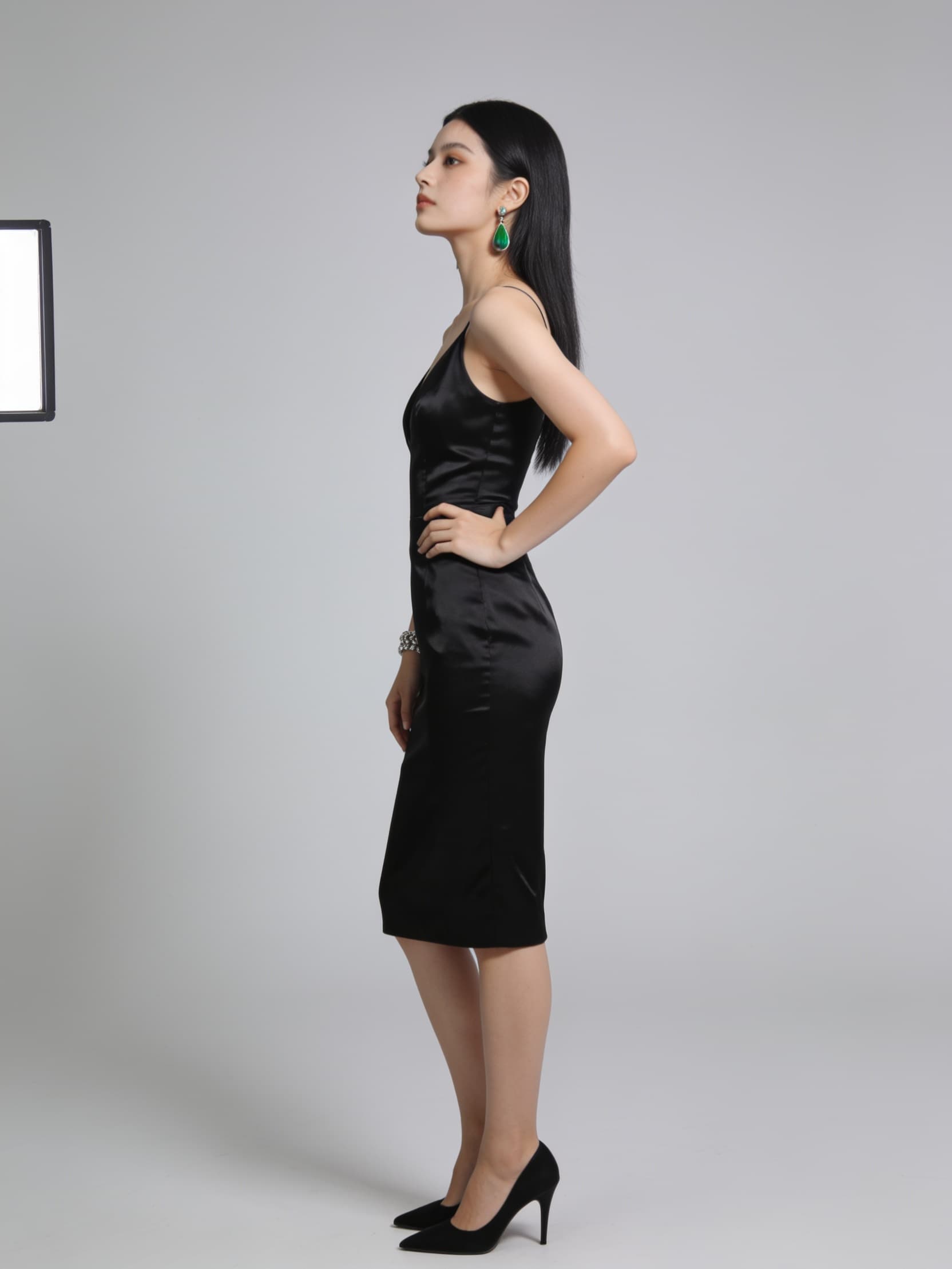
- Post 1Introduction, same face
- Post 40New place, same outfit lock
- Post 200New hook, same character
AI influencer
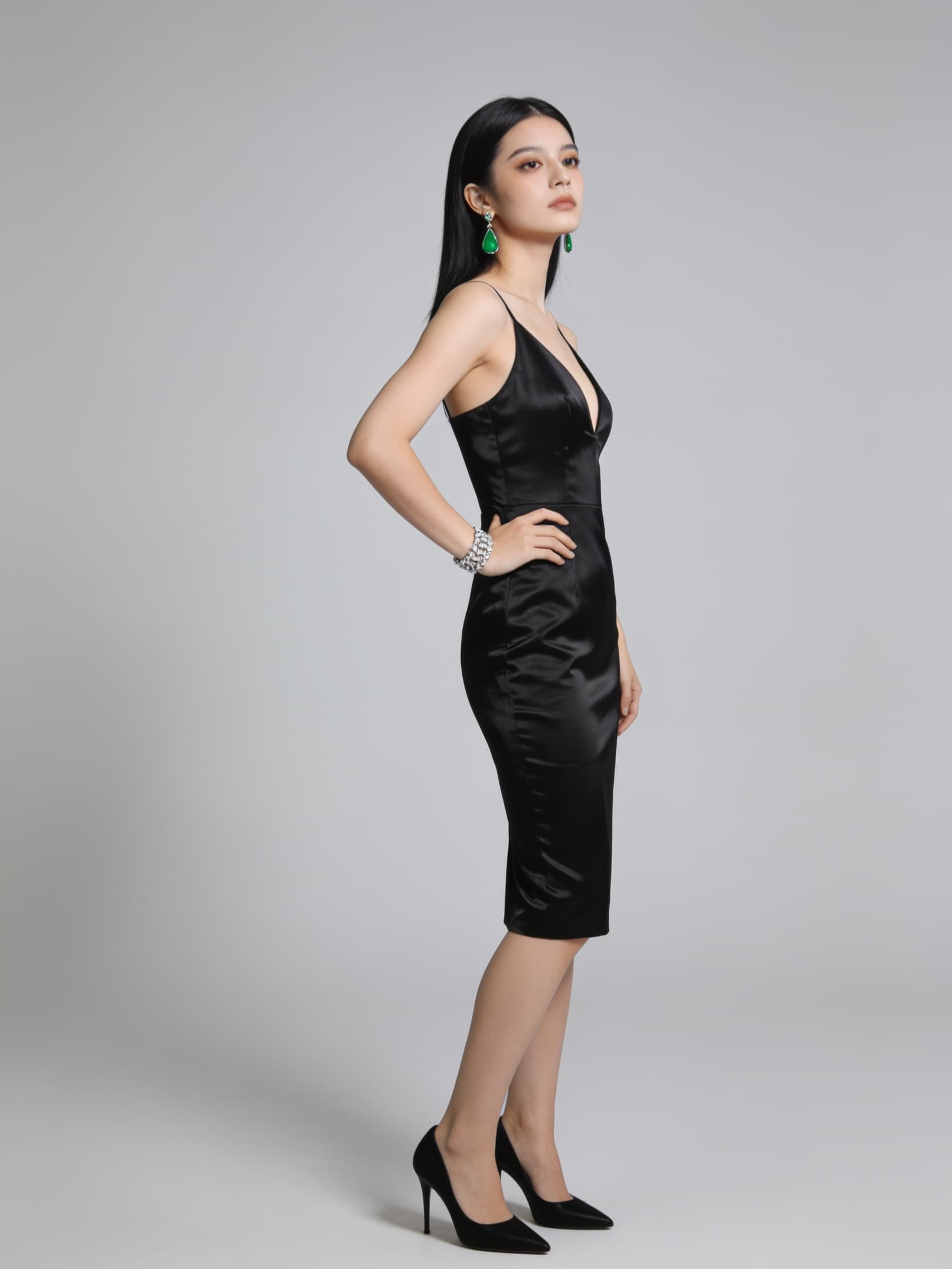
Describe an adult character and publish a channel that reads as the same person. The reference set is reused on every post, so a Tuesday story and a Friday story share a face, hair, and outfit. A daily or weekday automation can post that channel to TikTok and Instagram.
One shot
Product UGC
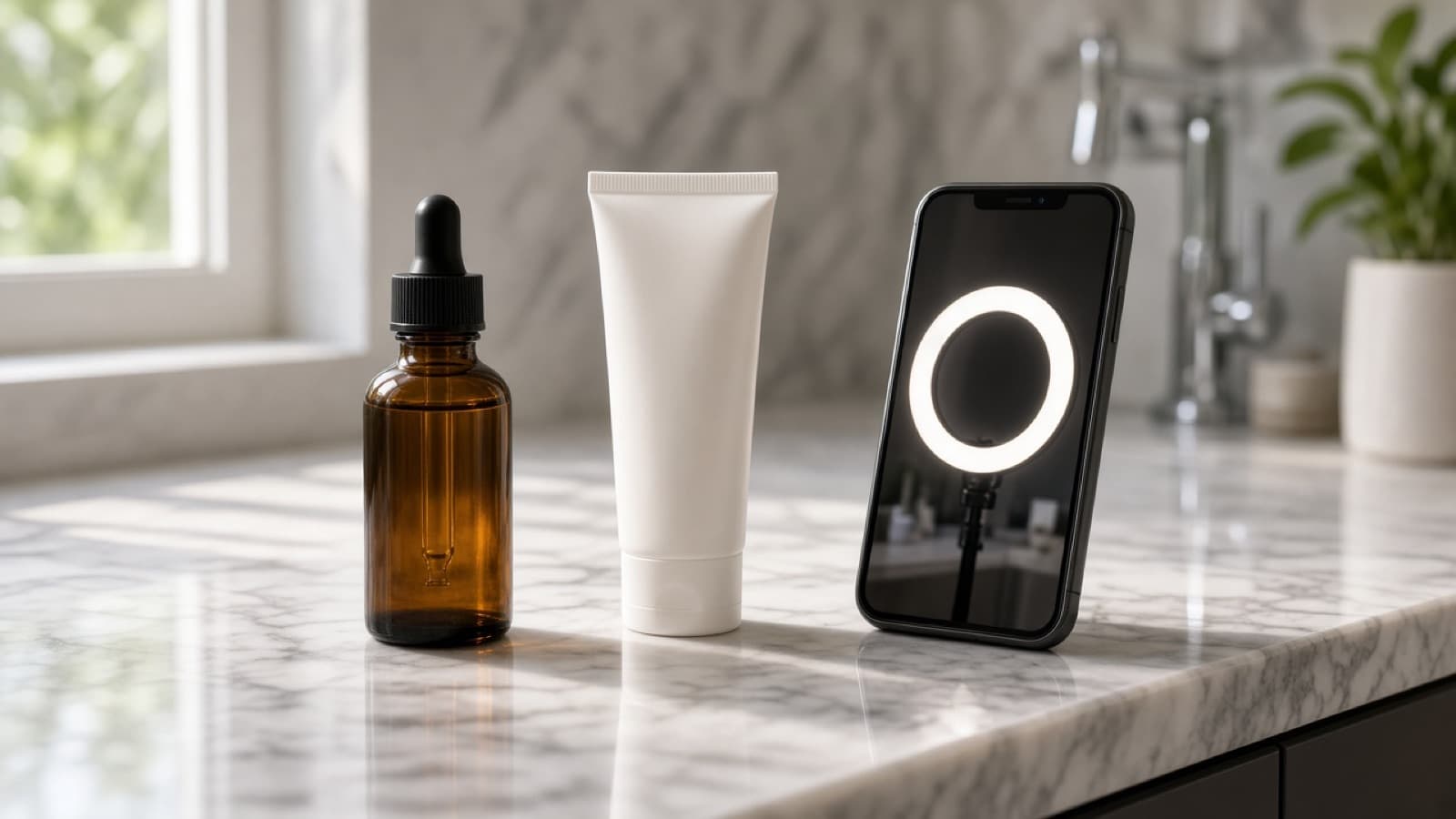
Upload the real product photo. ClickPop puts that product and the locked character in one creator-style shot: what it is, who it is for, and the next step. The character is fictional. The caption can carry an AI label. This is a demonstration, not a fake customer review.
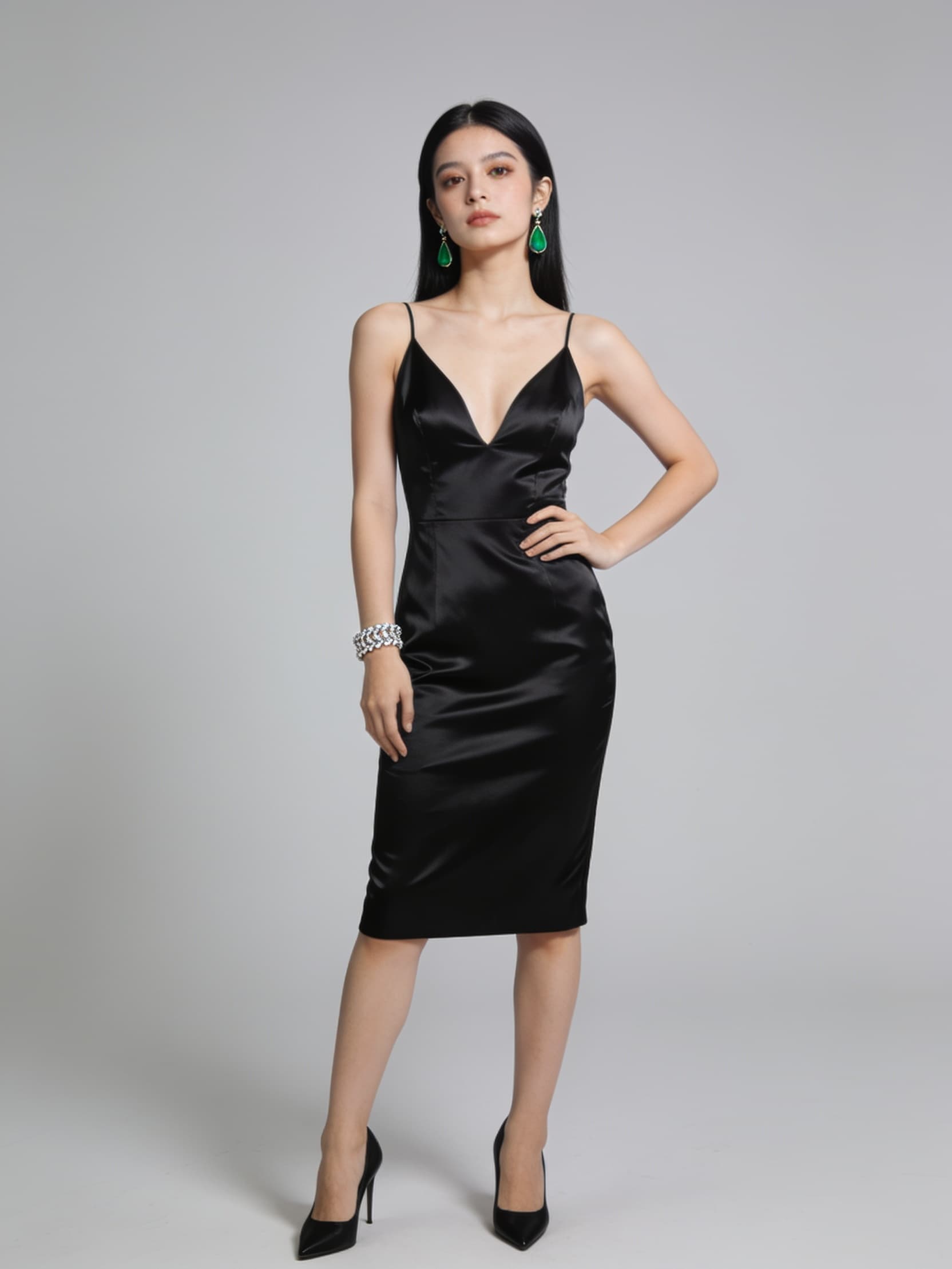 Hook 01The problem in 3 seconds
- Hook 02The proof, product in hand
- Hook 03The offer, then the card
Paid ads
Cut several openings from the same identity lock. Problem, proof, and offer can be three ads without looking like three different people. Add a brand card at the start or the end before the file goes to paid social.
Brand card · start
 Character stays on model while the place changes
Brand card · end
Brand films
Use the character as the face of a brand world. Location and story can change. The reference lock keeps hair, wardrobe, and face in place from the opening frame to the last. Brand Studio can open or close the film on your logo.
Stitched shots · one reference lock
- 0–8sOpen on the face
- 8–16sProduct enters
- 16–24sWalk-off, same outfit
Long-form
When the point needs more time, ClickPop stitches timed shots into a single video. Auto on Seedance 2.0 Fast covers 4 to 15 seconds per generation. Seedance 2.5 can run a generation out to 30 seconds. Every shot still receives the reference lock.
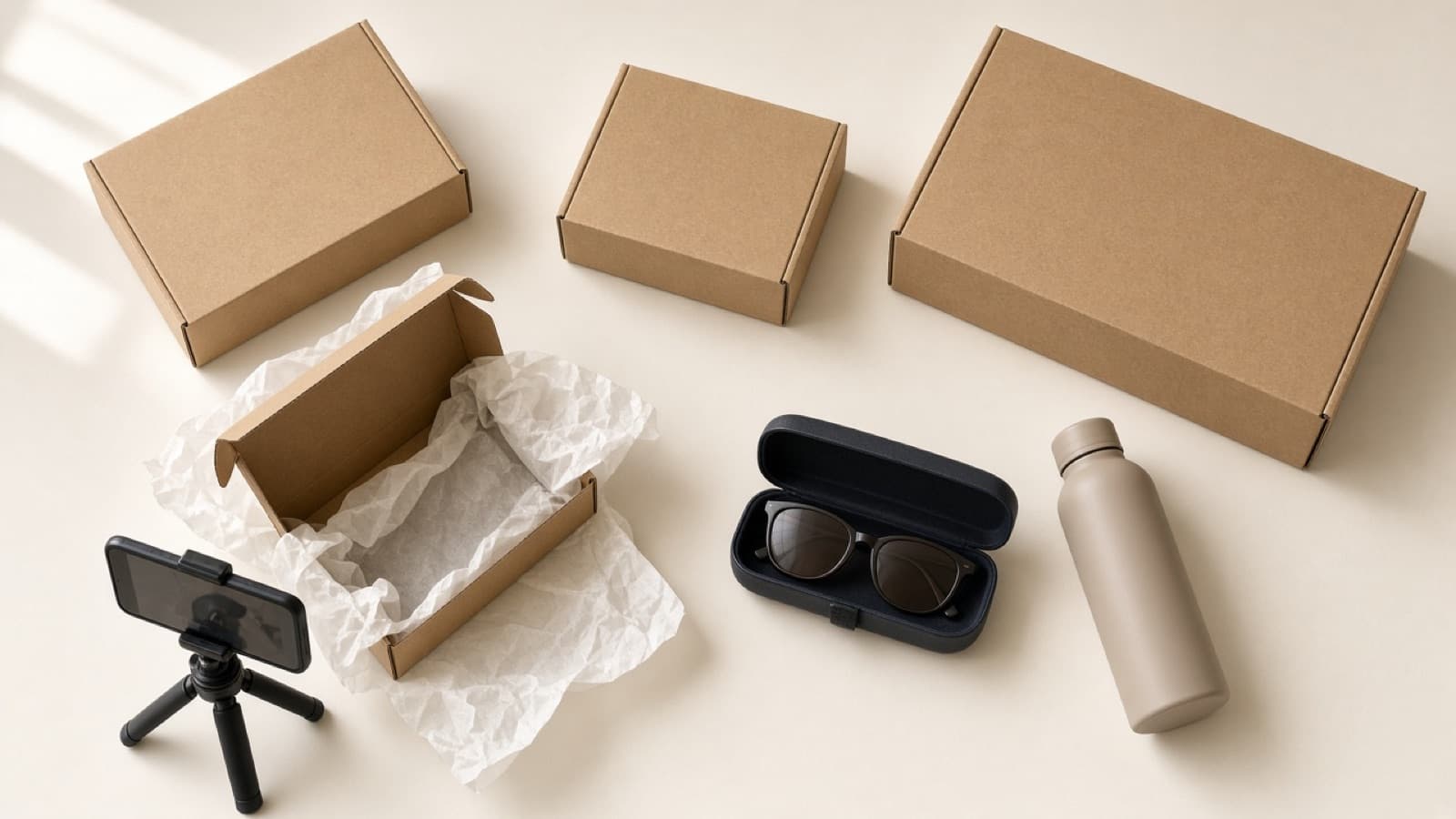
Affiliate product
Everyday sunglassesLink saved on the product#ad · AI characterAffiliate product videos
Save an affiliate product, its photos, and the offer. The video can show your product photo, explain the offer, and leave with the affiliate link. Mark it #ad and label the character as AI.
Schedule · same character
- Mon08:00 hook
- Tue—
- Wed12:00 UGC
- Thu—
- Fri12:00 UGC
- Sat10:00 recap
- Sun18:00 story
Scheduled automations
Set the days and the time, or start from a preset: daily story at 18:00, weekday morning hook at 08:00, UGC three days a week, or a Monday ad test. Each run uses the character's lock and can post to the accounts you connect.
- Bottom subtitle
- Bold pill
- Center title
- Word highlight
Captions
Pick how the spoken line sits on the finished file: bottom subtitle, bold pill, center title, or word highlight. ClickPop burns the words in the edit. The video model is not asked to paint text into the scene.
Brand card
Put your logo on a card that opens the video or closes it. Choose fade, slide up, scale pop, wipe, or a sting flash, with a sting sound or silence. The character stays in the middle. The brand owns the first or last moment.
Reference lock · reused
- Post 1Introduction, same face
- Post 40New place, same outfit lock
- Post 200New hook, same character
One character, a whole channel
AI influencer
Describe an adult character and publish a channel that reads as the same person. The reference set is reused on every post, so a Tuesday story and a Friday story share a face, hair, and outfit. A daily or weekday automation can post that channel to TikTok and Instagram.
- You describe the character. ClickPop does not assign one.
- Front, three-quarter, profile, and close-ups become the lock.
- The lock is what post 1 and post 200 have in common.
One shot
Your photo, their hands
Product UGC
Upload the real product photo. ClickPop puts that product and the locked character in one creator-style shot: what it is, who it is for, and the next step. The character is fictional. The caption can carry an AI label. This is a demonstration, not a fake customer review.
- Product photo stays the item you sell
- Spoken line sized to the length you set
- Vertical 9:16 for TikTok, Reels, and Shorts
- Hook 01The problem in 3 seconds
- Hook 02The proof, product in hand
- Hook 03The offer, then the card
Hook tests on one face
Paid ads
Cut several openings from the same identity lock. Problem, proof, and offer can be three ads without looking like three different people. Add a brand card at the start or the end before the file goes to paid social.
- Same character across the variant set
- Offer, problem, and proof as separate hooks
- Brand card and caption style travel with the export
Brand card · start
Character stays on model while the place changesBrand card · end
A campaign that stays on model
Brand films
Use the character as the face of a brand world. Location and story can change. The reference lock keeps hair, wardrobe, and face in place from the opening frame to the last. Brand Studio can open or close the film on your logo.
- Human characters, mascots, or other subjects you describe
- Intro or outro card with fade, slide, pop, wipe, or sting
- One lock for the whole campaign, not a new face per scene
Stitched shots · one reference lock
- 0–8sOpen on the face
- 8–16sProduct enters
- 16–24sWalk-off, same outfit
More than one generation, one person
Long-form
When the point needs more time, ClickPop stitches timed shots into a single video. Auto on Seedance 2.0 Fast covers 4 to 15 seconds per generation. Seedance 2.5 can run a generation out to 30 seconds. Every shot still receives the reference lock.
- Length control instead of a fixed clip
- Shots stitched in order with the same wardrobe and place
- Captions burned in the edit, not drawn by the video model
Affiliate product
Everyday sunglassesLink saved on the product#ad · AI characterThe product, the link, the disclosure
Affiliate product videos
Save an affiliate product, its photos, and the offer. The video can show your product photo, explain the offer, and leave with the affiliate link. Mark it #ad and label the character as AI.
- Product page facts and photos saved on the product
- Affiliate link ready for the caption and the post
- #ad and an AI label on the way out
Schedule · same character
- Mon08:00 hook
- Tue—
- Wed12:00 UGC
- Thu—
- Fri12:00 UGC
- Sat10:00 recap
- Sun18:00 story
A calendar, not a fresh face
Scheduled automations
Set the days and the time, or start from a preset: daily story at 18:00, weekday morning hook at 08:00, UGC three days a week, or a Monday ad test. Each run uses the character's lock and can post to the accounts you connect.
- Presets for stories, hooks, UGC, and ad tests
- Your days, your clock, your platforms
- The reference lock on every scheduled run
- Bottom subtitle
- Bold pill
- Center title
- Word highlight
Words added after the picture
Captions
Pick how the spoken line sits on the finished file: bottom subtitle, bold pill, center title, or word highlight. ClickPop burns the words in the edit. The video model is not asked to paint text into the scene.
- Four styles, or none
- Platform captions for TikTok, Reels, and Shorts
- On-screen line kept to a short overlay
Logo at the start or the end
Brand card
Put your logo on a card that opens the video or closes it. Choose fade, slide up, scale pop, wipe, or a sting flash, with a sting sound or silence. The character stays in the middle. The brand owns the first or last moment.
- Placement: beginning, end, or none
- Five animations
- Logo from your brand kit