

SetReference photos
Reference photos
You describe the character. ClickPop creates the reference set: front, three-quarter, profile, and close-ups, plus a full-body frame. Those stills are the pictures later videos have to match.
Features
Reference photos, an identity lock, Auto on Seedance 2.0 Fast, frame size, length, a product in the shot, captions, a brand card, affiliate links, social posting, and one credit pool.
You describe the character. ClickPop creates the reference set: front, three-quarter, profile, and close-ups, plus a full-body frame. Those stills are the pictures later videos have to match.
The reference set is reused, not redrawn from scratch. Face, hair, and outfit hold across UGC, ads, long-form shots, Brand Studio, and automations. Change the place or the hook without changing who is on camera.
Auto is the default render path, and it runs on Seedance 2.0 Fast. You can still pick a named Seedance model when the plan includes it. The character lock is attached either way.
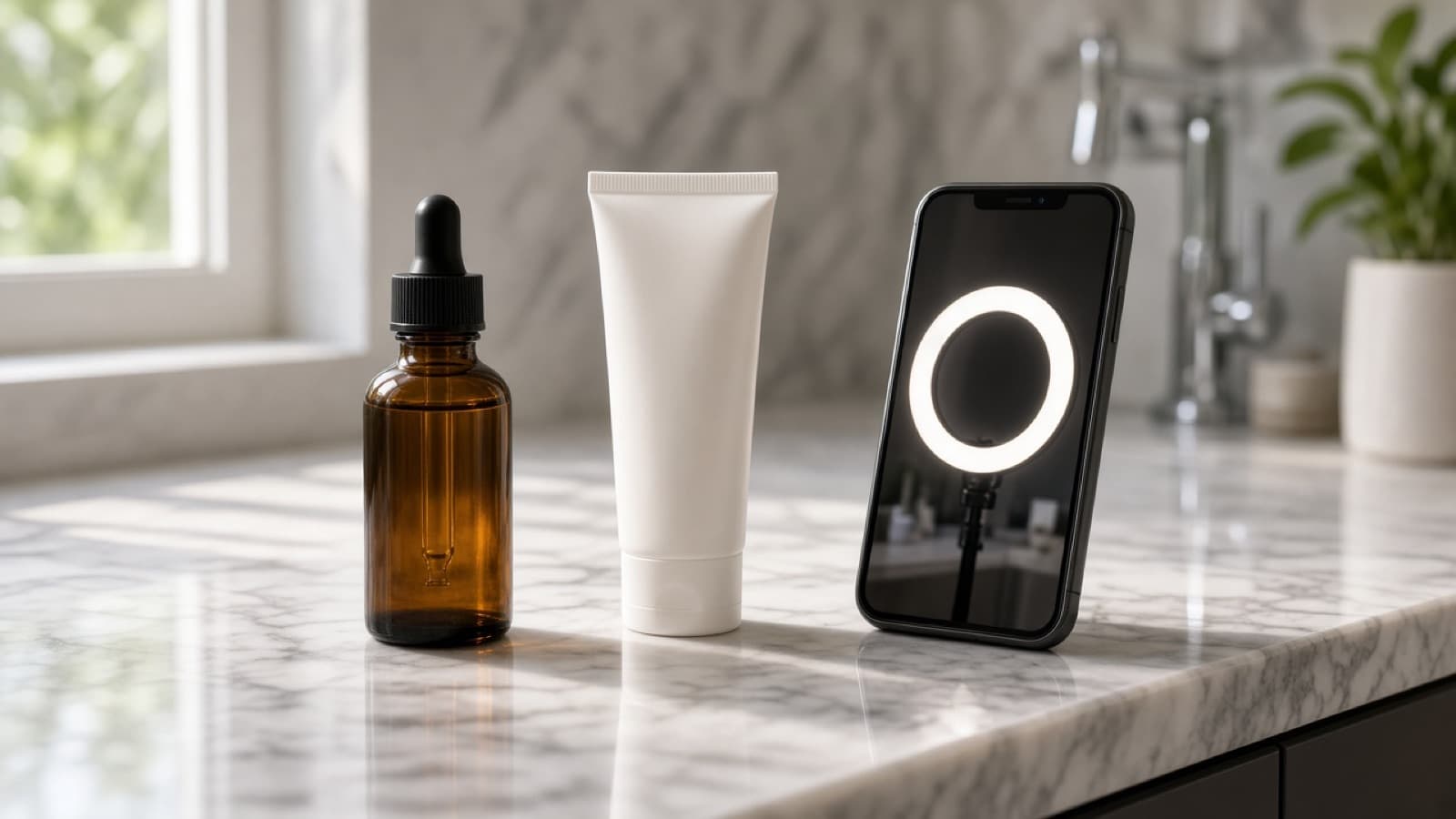
Upload the real product photo. ClickPop puts that item and the locked character in the same shot, so the bottle, bag, or device is yours, not a lookalike the model invented.
Bottom subtitle, bold pill, center title, or word highlight. Words are burned in the edit. The video model is not asked to draw text into the scene. Platform captions can be drafted for TikTok, Reels, and Shorts.
A brand card can open the video or close it. Animations are fade, slide up, scale pop, wipe, and sting flash, with a sting sound or silence. The logo comes from your brand kit.
Save the product, its photos, and the offer. Videos can carry the affiliate link, an #ad line, and an AI label. The character stays the host. The product stays the one on the link.
Connect TikTok, Instagram, YouTube Shorts, Facebook, X, LinkedIn, Threads, Pinterest, and Bluesky. Automations post on a schedule: daily story, weekday morning hook, UGC drop, or a Monday ad test.
Pick a format or type a premise. ClickPop writes the hook, the spoken line, the scene, and the caption for the length you set. Formats include The flex that backfires, A secret rich people keep, The expensive mistake, Something she was not going to say.
The same pipeline is available outside the studio. REST returns a task id and you poll for the file. Python and Node SDKs wrap that. An MCP server lets Cursor or Claude request a clip in chat.
Reference flow
A preview of the path: your brief, the angle set ClickPop creates, then the same example in an ad, a UGC frame, and a longer shot.
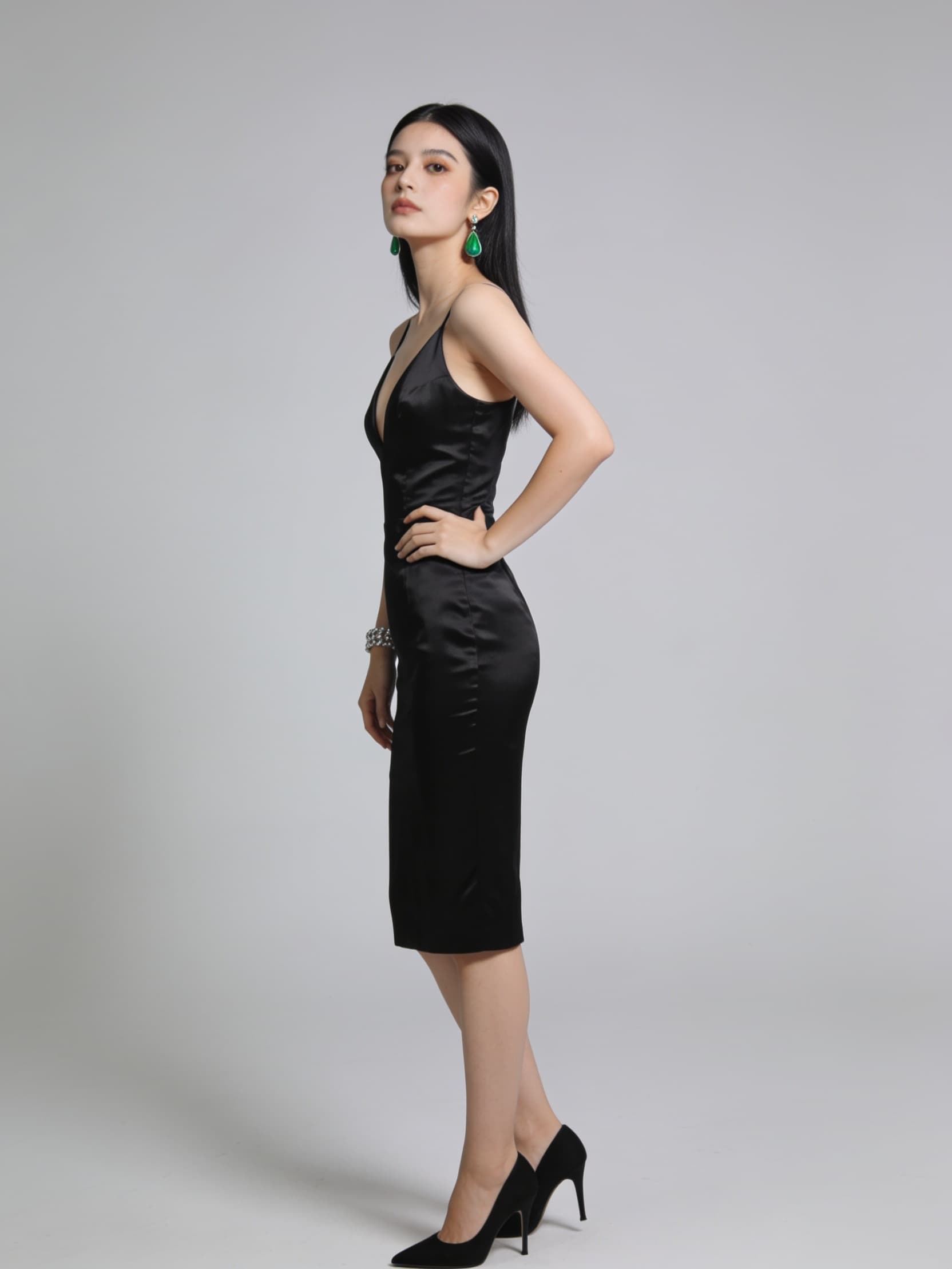
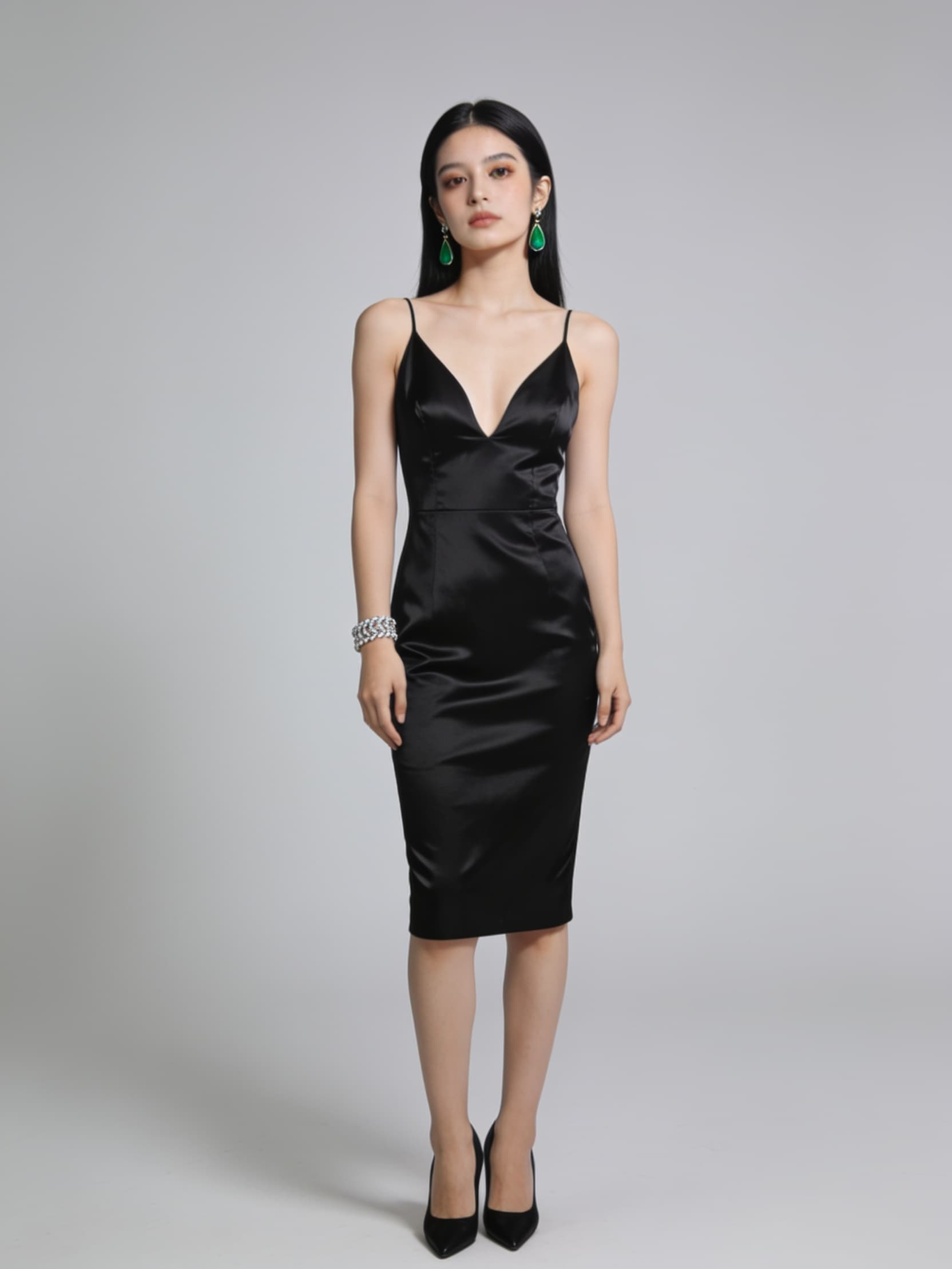
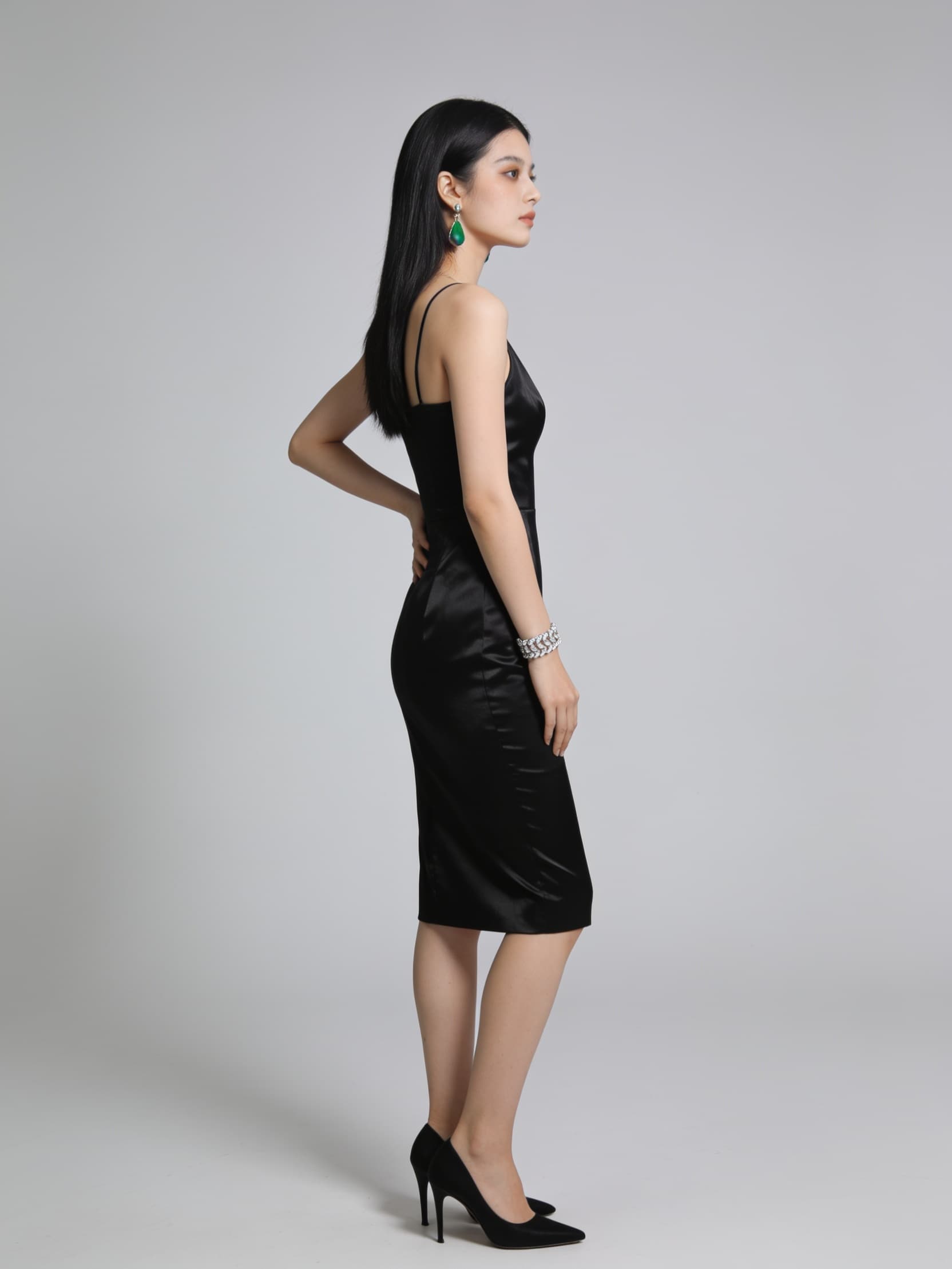
Example you would create.Not a character ClickPop includes. You write the brief. This is what the reference lock looks like after that.
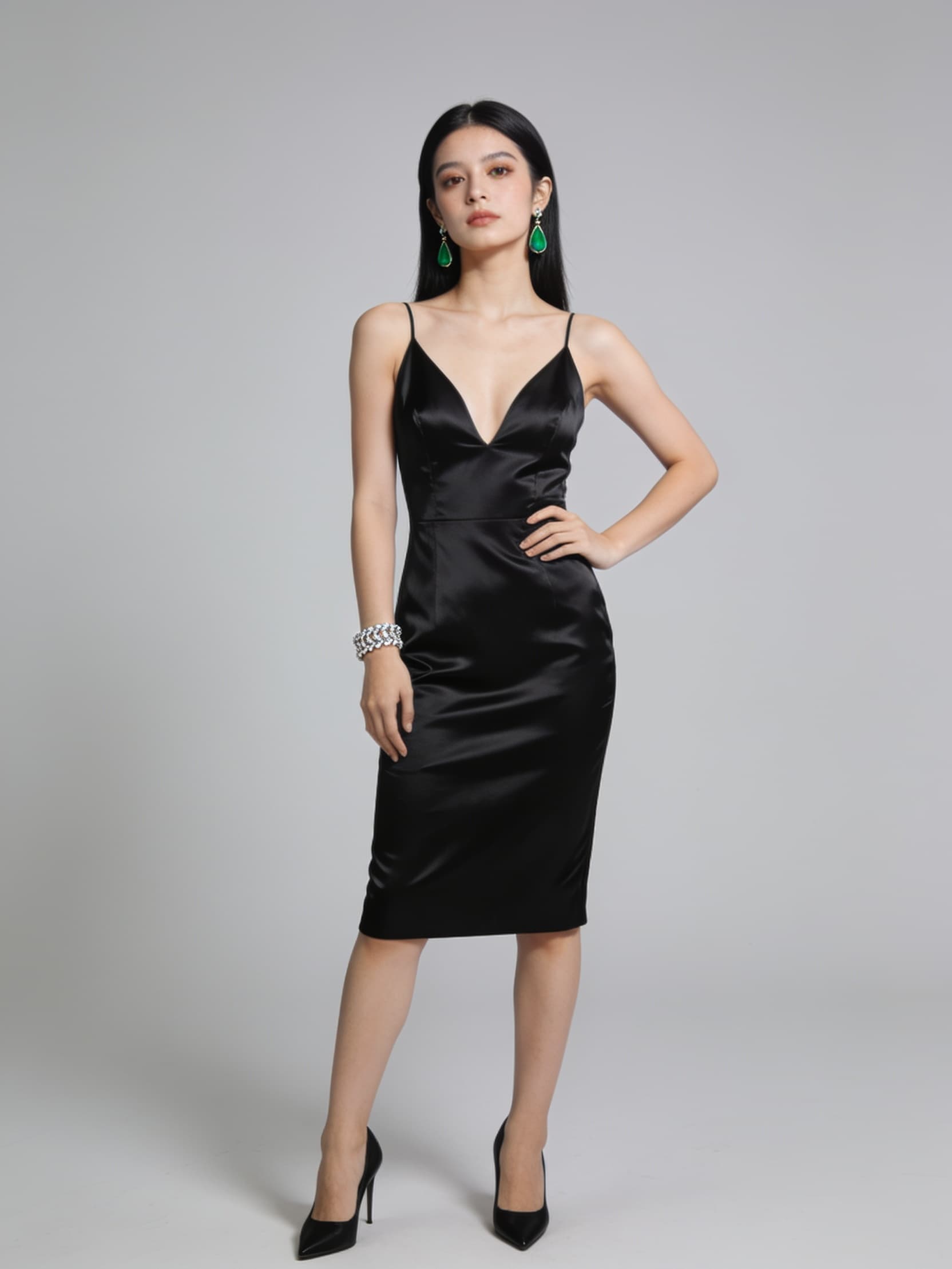
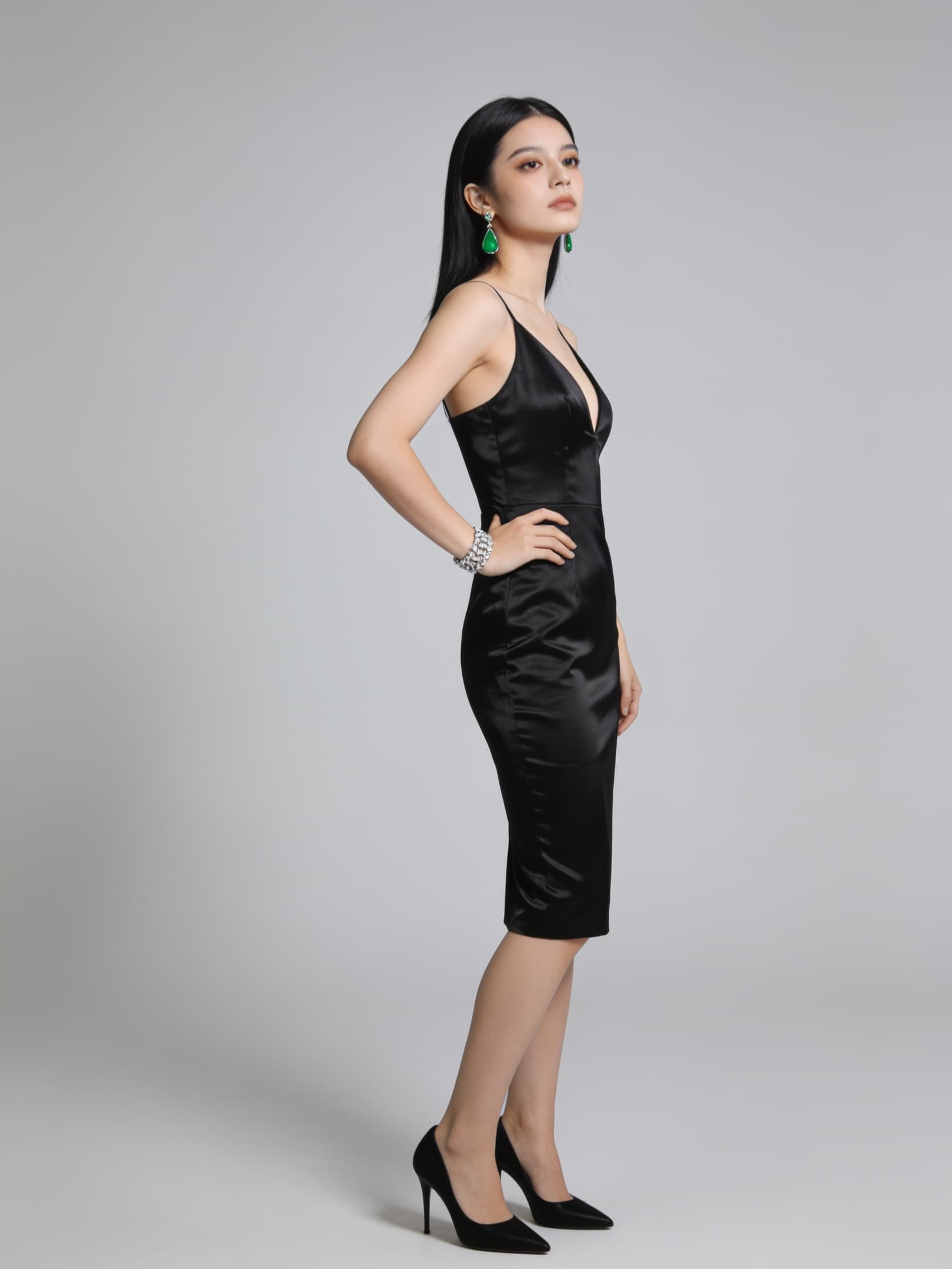
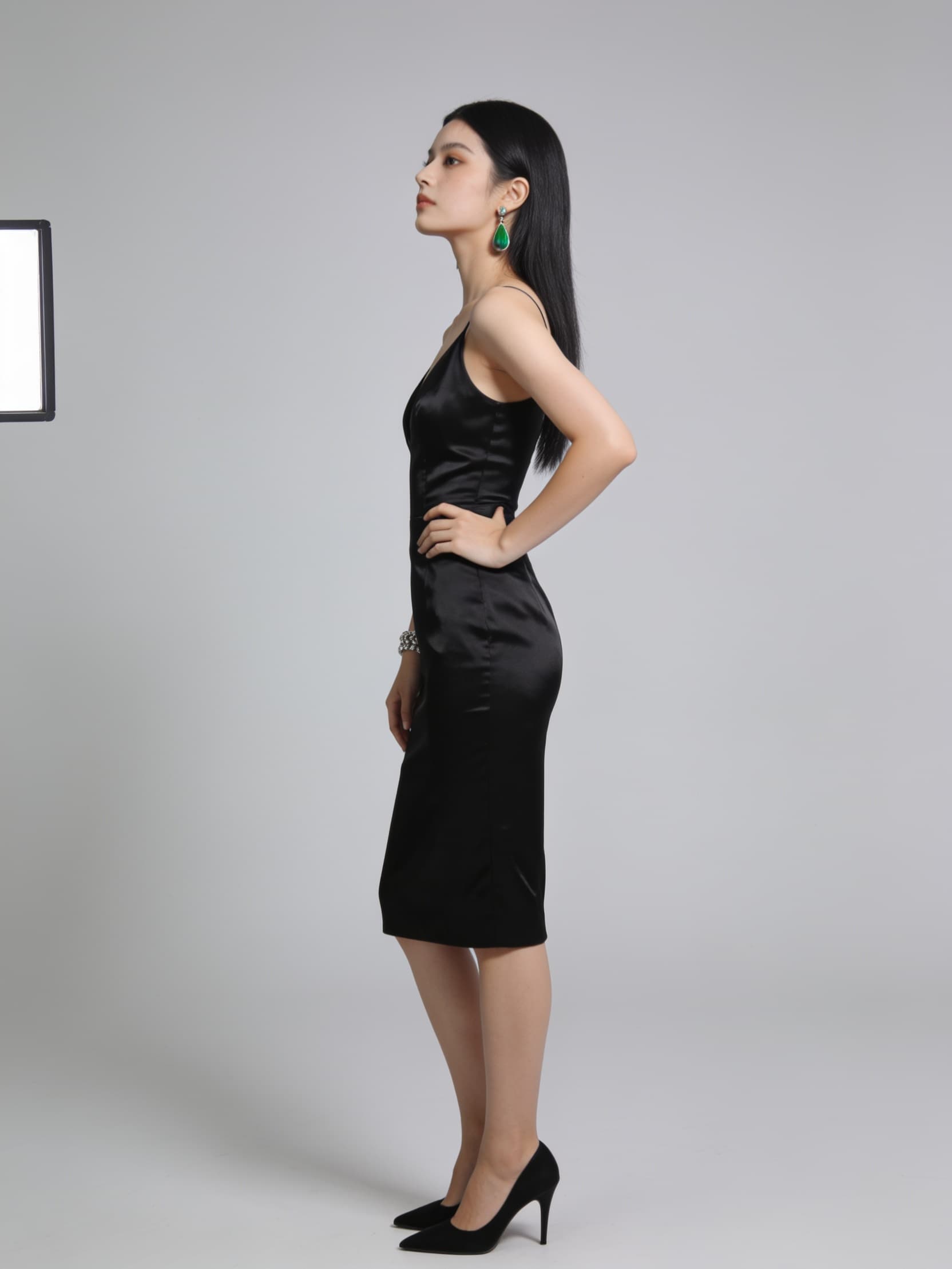
Adult, 24. Center-part black hair, emerald drop earrings, diamond bracelet, black silk dress, heels. Neutral studio gray. Fully clothed. Voice low and even.
Front, three-quarter, profile, and close-ups. Face, hair, jewelry, and outfit are recorded together.
That set goes with later renders, so the same face and outfit hold in every format below.
Why the lock exists
Quality
480p, 720p, and 1080p change the pixel grid of the file. They do not change the reference lock, the script, or the person on camera. Seedance routes in the studio currently deliver 720p.
480 × 854
480pA vertical frame size. Same character, lock, and script as 720p and 1080p.
720 × 1280
720pThe frame size Seedance routes deliver in the studio today.
1080 × 1920
1080pA larger vertical frame. The lock and the script stay the same.
Credit pool
Reference sets, scripts, and video draw from the same credits. A failed render returns what it held.
Spark · $29/mo
1,000credits · about 40 Seedance videos
Pop · $79/mo
2,500credits · about 100 Seedance videos
Supernova · from $299/mo
6,650 / 13,300 / 19,950credits · three pool sizes
For developers
The pipeline the studio uses, with keys and a task you can poll. Pass the id of a character you created. There is no default cast.
POST a story for a character you already locked. The response is a task id. Poll until the file is ready. Dry-run prices a job without rendering.
curl -X POST http://localhost:3456/api/v1/videos \
  -H "Authorization: Bearer YOUR_API_KEY" \
  -H "Content-Type: application/json" \
-d '{"character_id":"your-character-id","story":"Show the product, then the offer","duration":8,"dry_run":true}'Typed helpers for characters, videos, and polling. The key is read from the environment.
from arclight import Arclight

client = Arclight()  # reads ARCLIGHT_API_KEY
task = client.videos.create(character_id="your-character-id", story="Show the product, then the offer")
print(client.videos.wait_for_output(task["id"])["output_url"])Plug the studio into Cursor, Claude, or any MCP client so an agent can design a character, render a clip, and return the link.
{
  "mcpServers": {
    "clickpop": {
      "command": "node",
      "args": ["/absolute/path/to/studio/mcp/server.js"],
      "env": { "ARCLIGHT_API_KEY": "YOUR_API_KEY" }
    }
  }
}